





Designing User-Centric Interfaces for Better Digital Experiences
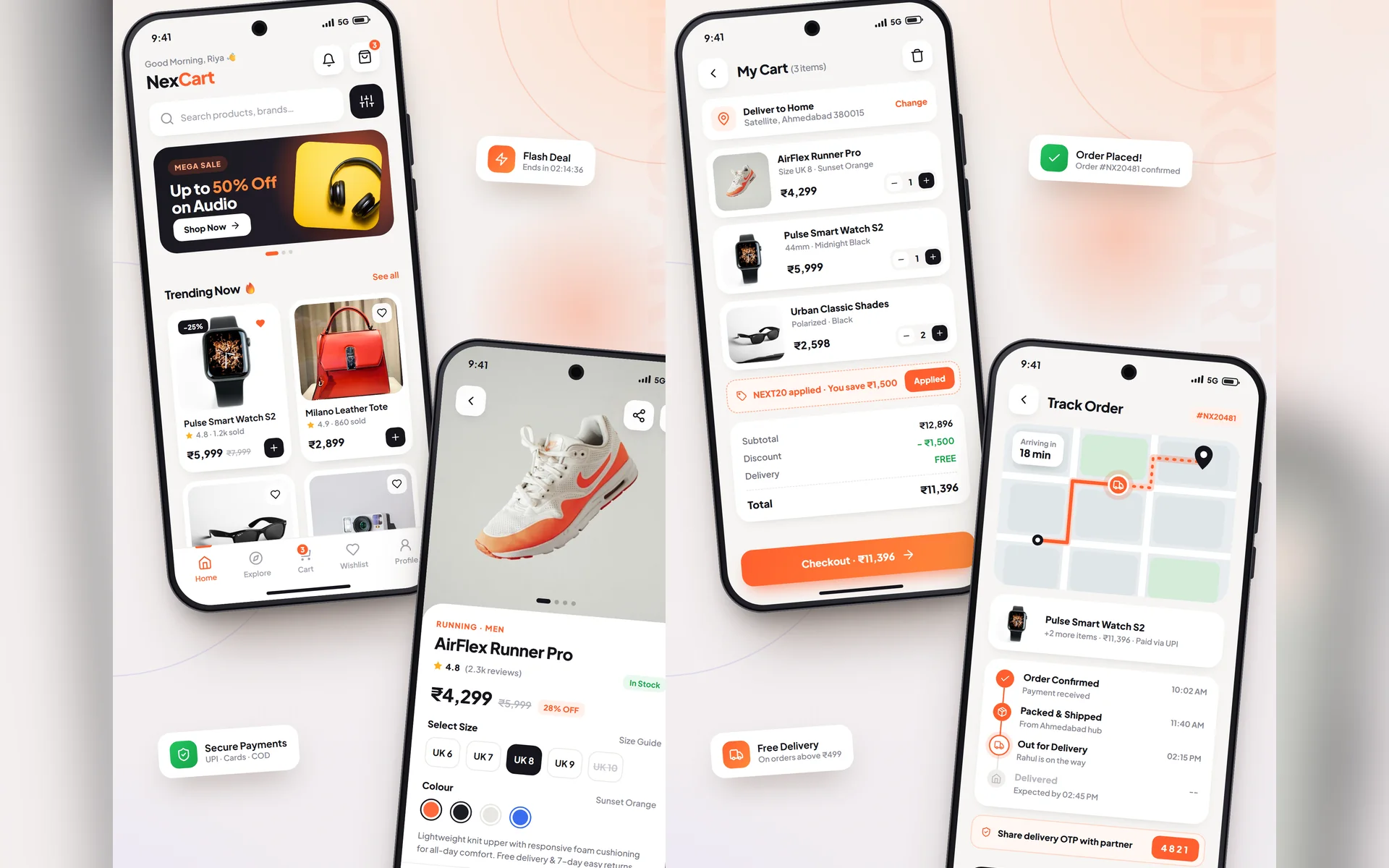
Good design is not about how a screen looks. It is about how easily people get things done. User-centric interfaces reduce confusion, support requests and drop-offs, and they turn first-time visitors into regular customers.
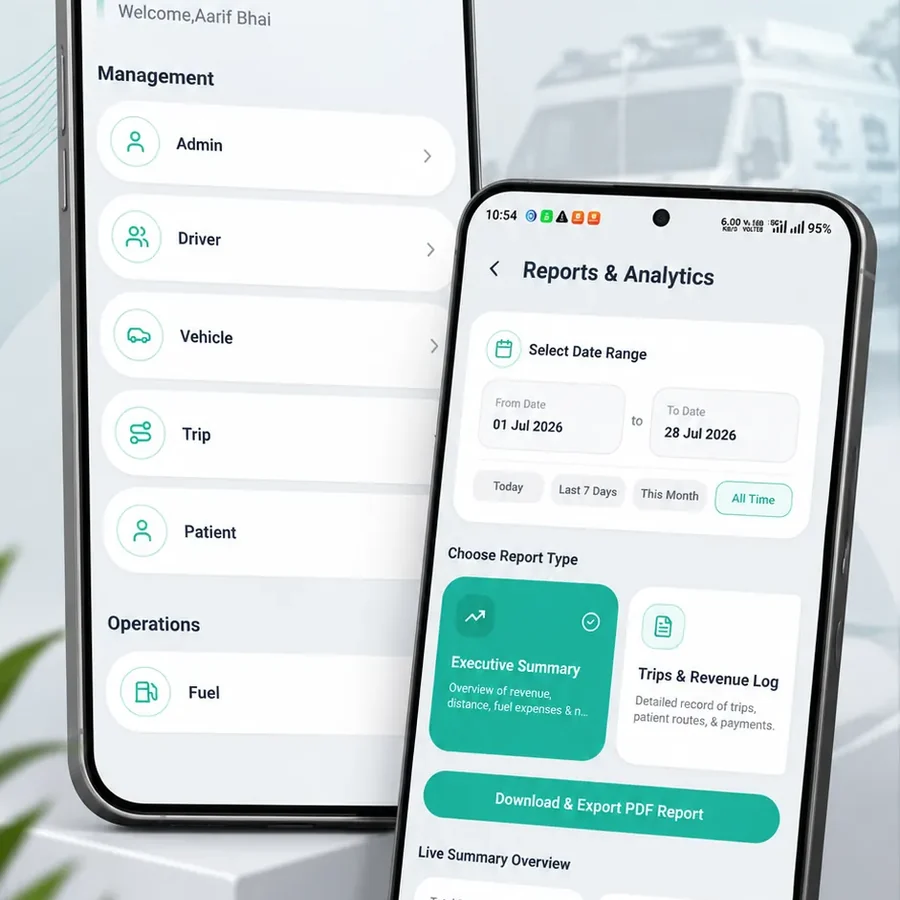
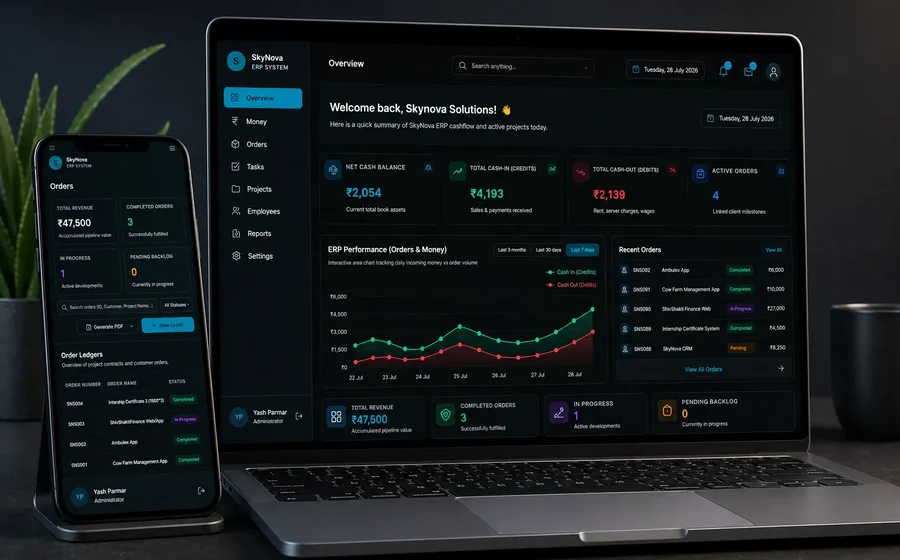
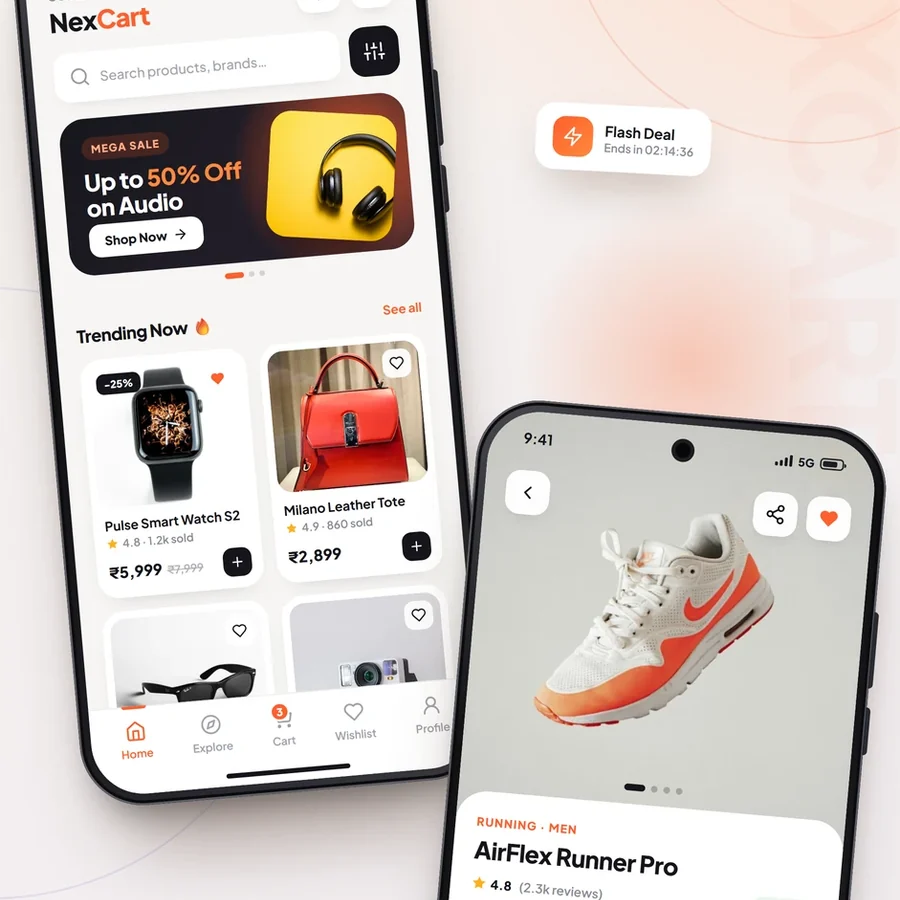
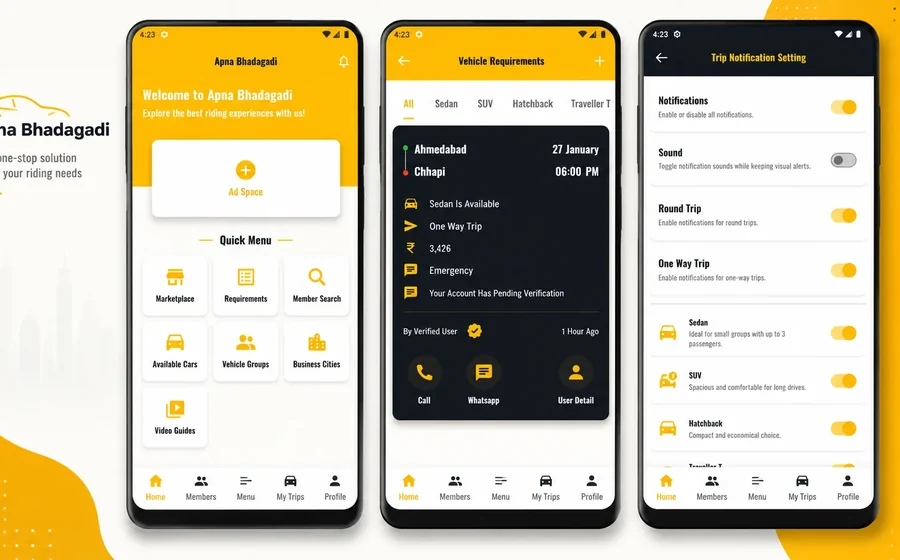
Every product we design at Skynova Solutions, from eCommerce apps to finance dashboards, starts with the people who will use it. Here is the process we follow.
/ Table of contents:
Understand your users first
Before opening a design tool, we learn who the users are, what they want to achieve and where they struggle today. Short interviews and a look at existing data reveal more than assumptions ever can.
- Who uses the product and on which device;
- Their most frequent tasks;
- Where they currently get stuck or give up.
Design is how it works, not only how it looks.
/ Skynova Solutions
Clarity over decoration
A clean interface helps users focus on what matters.
Visual hierarchy
The most important information and action on each screen should stand out first, through size, colour and position.
Consistent patterns
Buttons, forms and icons should look and behave the same everywhere, so users learn the product once.
Helpful feedback
Loading states, success messages and clear errors tell users what is happening and what to do next.
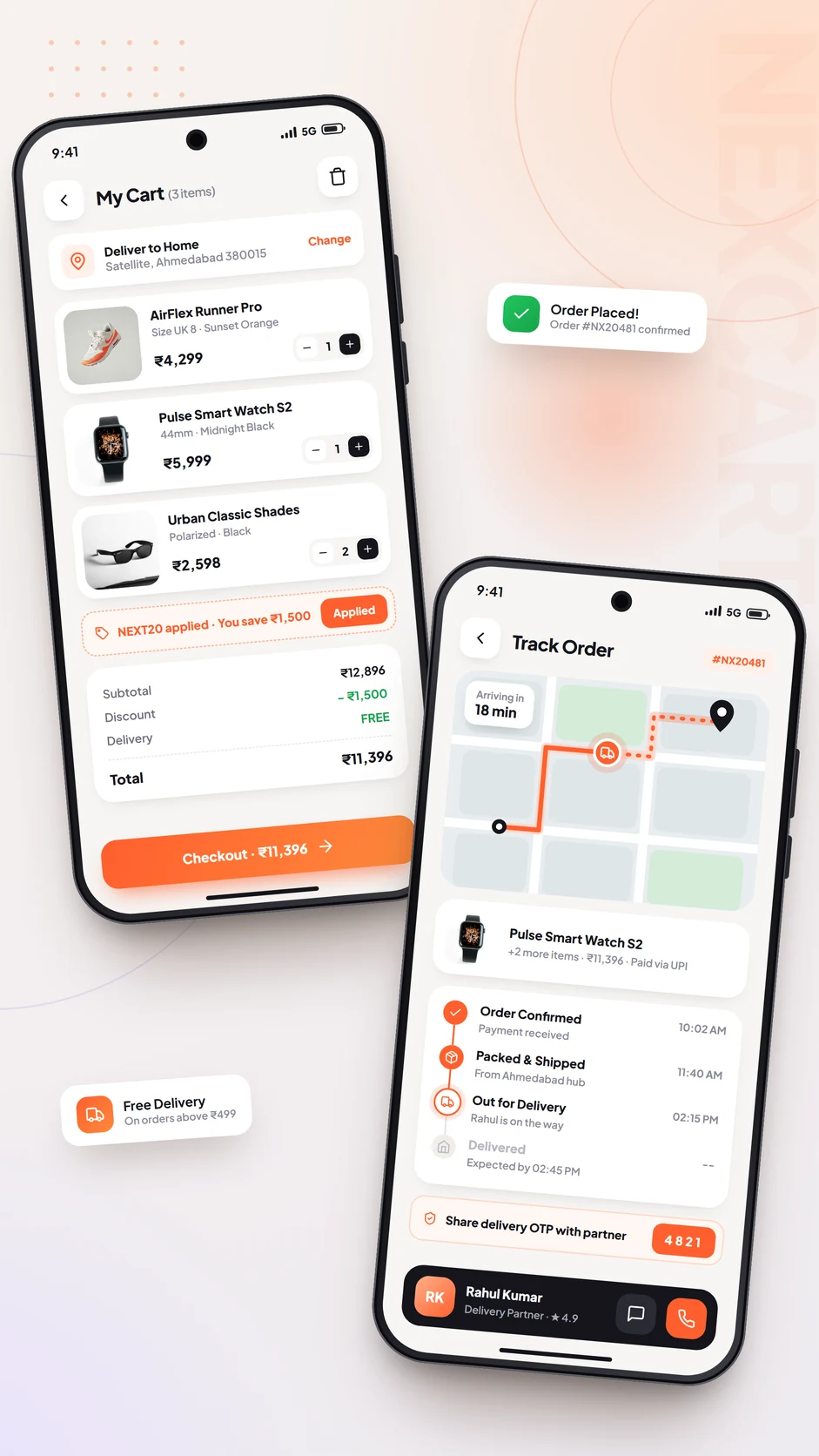
Build a design system
A design system is a shared library of colours, typography, spacing and components. It keeps every screen consistent and makes development faster, because designers and developers use the same building blocks in Figma and in code.
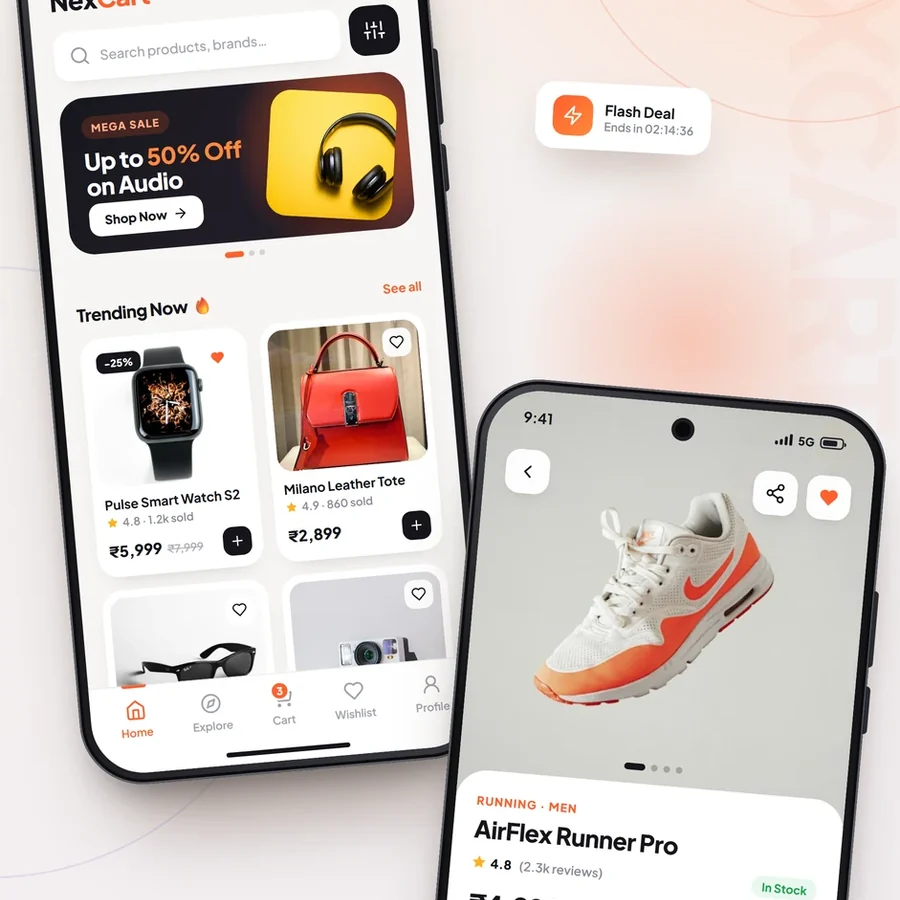
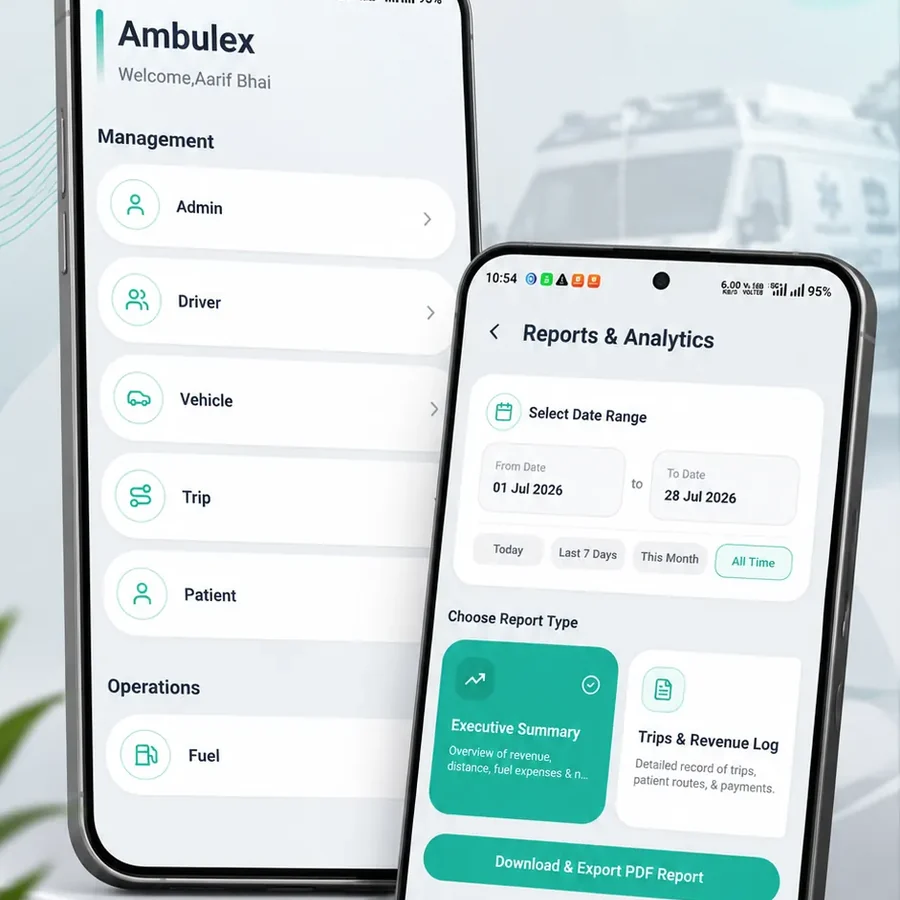
Accessible for everyone
Contrast. Text must stay readable for users with low vision and in bright sunlight.
Touch targets. Buttons should be large enough to tap comfortably on small screens.
Simple language. Short, familiar words work better than technical terms for most users.
Test, learn and improve
Clickable prototypes let real users try a design before a single line of code is written. Watching five people use a prototype usually reveals the biggest problems. After launch, analytics and feedback show where to improve next.
Final thoughts
User-centric design pays for itself through happier users and better results:
- Research: Design for real needs, not guesses;
- Simplify: Remove anything that does not help the user;
- Iterate: Test early and keep improving.
Want an app or website your customers enjoy using? Let's talk about your project.